


Privacy Policy
Effective date: October 15, 2026
Packet File Analyzer is developed for individuals who analyze network capture files they already possess. This policy describes how the app handles information when you use it on your device.
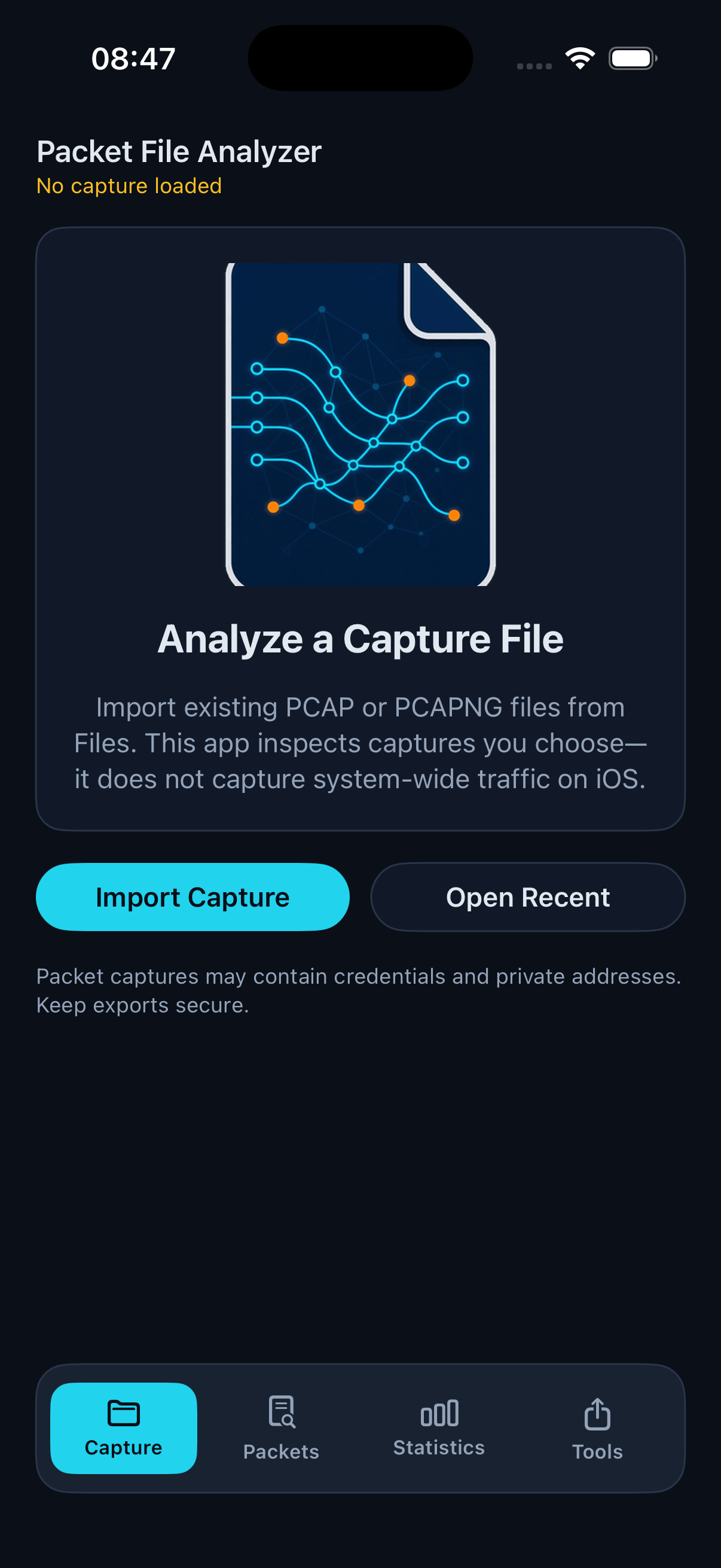
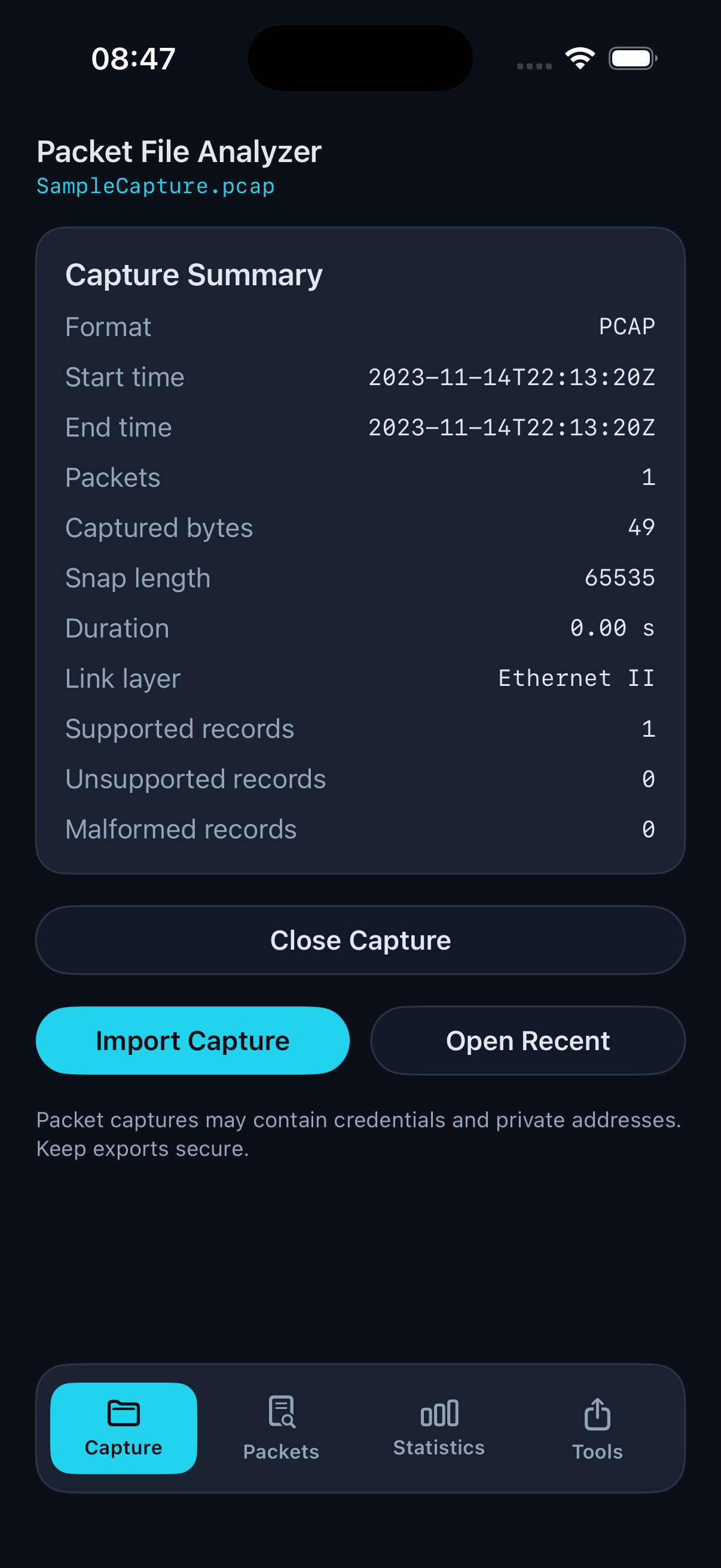
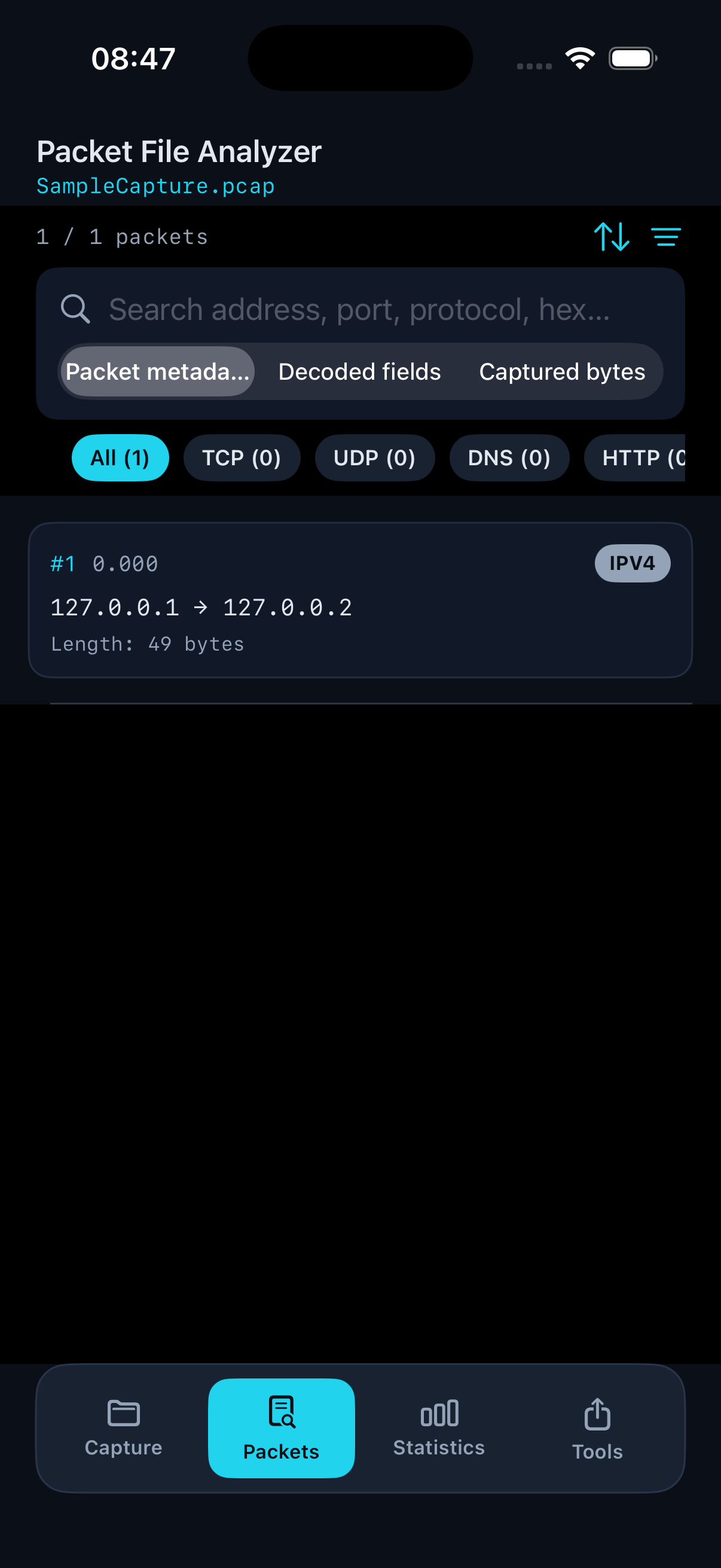
The app processes PCAP and PCAPNG files that you import through the system file picker. Packet contents, metadata, and any exports you create remain under your control. Analysis runs locally on your iPhone or iPad unless you explicitly share an export through another app or service.
We do not operate a user account system inside the app and do not require registration to use core features. The app does not upload your capture files to our servers for parsing or storage.
Standard iOS diagnostics that Apple may collect according to your device settings are outside this app’s control. If you contact us by email, we use your message only to respond to your request.
Capture files may contain sensitive network data such as addresses, credentials, or personal identifiers. Treat imports and exports as confidential and secure them according to your organization’s policies.
We may update this policy when the app changes. Continued use after an update means you accept the revised policy.